
You can pour days into a video. Script it, shoot it, edit until your eyes go blurry… and still—crickets.
It’s brutal.
Here’s the truth most creators learn late:
great content doesn’t win without visibility.
YouTube isn’t just a video platform it’s the second-largest search engine in the world. And just like Google, it has rules. If your video isn’t optimized, it gets buried in seconds.
That’s where YouTube SEO tools come in.
They help you:
- Discover what people are actually searching for
- Optimize titles, tags, and descriptions
- Improve thumbnails for higher CTR
- Track what’s working (and what’s not)
If you’re ready to stop posting and hoping and start growing with intent, these are the best YouTube SEO tools to rank faster in 2026.
Let’s make your next upload impossible to ignore.
What Are YouTube SEO Tools (And Why You Need Them)?
YouTube SEO tools are your behind-the-scenes growth team.
They help with:
- Keyword research
- Trend discovery
- Metadata optimization
- Performance tracking
- Competitor analysis
And the best part?
You don’t need to be a marketer to use them.
Whether you’re:
- A solo creator
- A startup promoting a product
- A coach or educator
These tools help you work smarter—not harder.
Top YouTube SEO Tools for 2026
A. Keyword Research Tools
Keywords are the GPS for your videos.
Pick the wrong ones → your video disappears
Pick the right ones → views compound
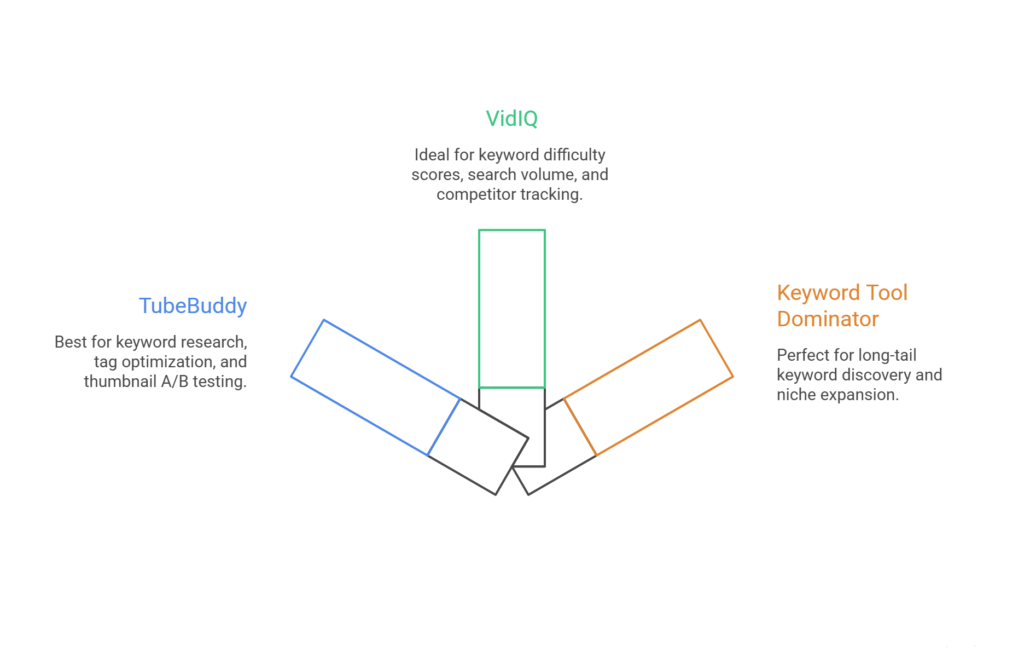
1. TubeBuddy
A creator favorite for a reason.
Best for:
- Keyword research
- Tag optimization
- Thumbnail A/B testing
- Reviving old videos
It integrates directly into YouTube, making optimization feel effortless.
2. VidIQ
VidIQ is pure data with a creator-friendly twist.
Best for:
- Keyword difficulty scores
- Search volume
- Competitor tracking
- Trend alerts
It shows trends before they peak huge edge in 2026.
3. Keyword Tool Dominator
Perfect for evergreen growth.
Best for:
- Long-tail keyword discovery
- Autocomplete scraping
- Niche expansion
Ideal if your channel relies on search-driven traffic.
B. Analytics & Performance Tracking Tools
Posting is only half the job.
Tracking is where growth happens.
1. YouTube Studio Analytics
Often ignored. Always powerful.
Track:
- Click-through rate (CTR)
- Audience retention
- Traffic sources
- Watch time
If you want better videos, start here.
2. Social Blade
A high-level view of channel performance.
Best for:
- Subscriber growth tracking
- Estimated earnings
- Competitor benchmarking
Also useful for sponsorship pitches.
3. Morningfame
Analytics—but human.
Best for:
- Clear performance feedback
- Actionable recommendations
- Growth grading without overwhelm
It literally tells you what to fix next.
C. Thumbnail & Metadata Optimization Tools
No clicks = no ranking.
Your thumbnail + title decide everything.
1. Canva
Fast, beginner-friendly design.
Best for:
- YouTube thumbnail templates
- Bold text & visuals
- Brand consistency
The Pro version unlocks serious upgrades.
2. TubeBuddy Thumbnail Generator
Already using TubeBuddy? This is gold.
Best for:
- Thumbnail A/B testing
- CTR optimization
- In-platform design
Test → compare → win.
3. Vidooly
SEO suggestions without spreadsheet stress.
Best for:
- Tag suggestions
- Title formats
- Description structure
Great for creators who want SEO help—minus the overthinking.
D. Competitor Analysis Tools
Want faster growth?
Study what already works.
1. VidIQ
Beyond keywords, VidIQ lets you:
- Track competitor tags
- Monitor uploads
- Spot missed opportunities
It’s smart imitation—not copying.
2. Social Blade
Still a classic.
Use it to:
- Identify posting patterns
- Spot growth spikes
- Compare channel momentum
3. Noxinfluencer
Perfect for brand-focused creators.
Best for:
- Influencer analytics
- Engagement breakdowns
- Brand deal insights
Ideal if sponsorships are part of your roadmap.
What to Look for in a YouTube SEO Tool
Not all tools are worth your money.
Focus on tools that offer:
- Keyword volume + competition data
- Competitor insights
- Title and tag suggestions
- Actionable analytics (not data dumps)
- Thumbnail testing
- Real-time trend alerts
If it checks most of these → it’s worth testing.
How to Use YouTube SEO Tools Like a Pro
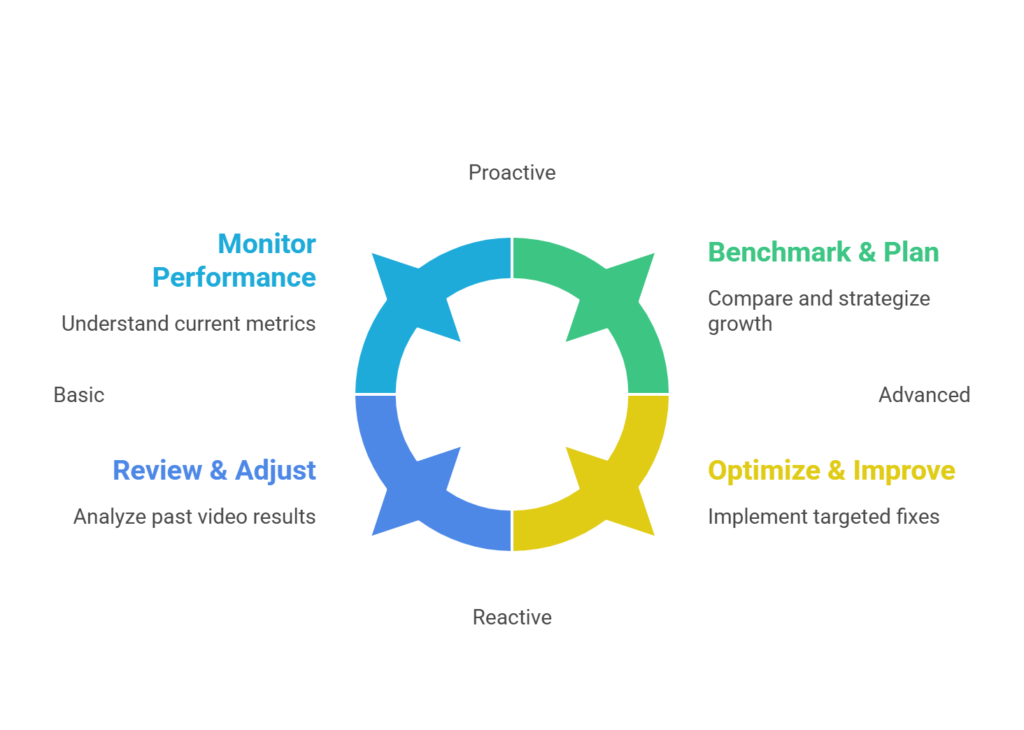
Here’s a simple workflow that works:
1. Start with Keywords
Use TubeBuddy or VidIQ to find:
- Low-competition
- High-intent
- Rising-interest topics
Cross-check with Google Trends.
2. Build Around Search
- Center your video around one primary keyword
- Use it naturally in:
- Title
- Description
- Tags
- Avoid keyword stuffing—flow matters
3. Design a Click-Worthy Thumbnail
Use:
- Bold contrast
- Clear visuals
- Minimal text
Not cluttered. Just compelling.
4. Watch What Happens After Posting
Check:
- Retention drops
- CTR
- Watch time
Fix weak intros. Improve pacing. Adjust CTAs.
5. Track Trends
Let VidIQ or Social Blade notify you when:
- Topics heat up
- Competitors spike
- New opportunities appear
That’s your signal to act.
What You Actually Gain from YouTube SEO Tools
Used correctly, they deliver:
✅ Consistent organic traffic
✅ Higher rankings in search & recommendations
✅ Faster subscriber growth
✅ Better audience retention
✅ Less guesswork, more wins
Real examples:
- A finance creator boosting leads by 40%
- A language tutor tripling course signups
- A fitness creator landing brand deals
Not luck.
Strategy.
Final Thoughts: Winning 2026 One Tool at a Time
YouTube is fun until nobody sees your work.
And that hurts.
But SEO isn’t magic.
It’s a skill.
And tools make it easier.
In 2026, discoverability isn’t optional.
It’s the difference between growth and silence.
So experiment.
Test tools.
Track data.
Stop guessing.
Because the next time you upload, you’re not just publishing.
You’re getting found.
Let these tools help tell your story your way.