

Real UGC works because it looks like a real person talking to a friend. It’s also slow. You brief a creator, ship them a product, wait for the edit, and then find out the hook didn’t land.
User-generated content (UGC) is video made by customers or independent creators rather than a brand’s studio team, and UGC-style ads copy that handheld, talk-to-camera format. An AI UGC Ad Generator is software that produces those ads from a script or a product link, using a synthetic presenter instead of a human one. You get a vertical video in minutes, not weeks.
The catch is choice. Dozens of tools now claim to do this, pricing runs on credits that are easy to misread, and most demos skip how many attempts it took to get one usable clip.
So this guide compares 10 tools for 2026, using each tool’s own pricing page and independent reviews. You’ll see what each one does, where it falls short, what it costs as of October 2026, and who should pick it. Prices change often, so confirm anything that matters before you pay.
What Should You Look for Before You Pick a Tool?
Judge every tool on five things: how real the presenter looks, how editing works, how credits are charged, which ad features come built in, and what the terms say about commercial use. Everything else is decoration.
Realism matters most, and it’s the hardest thing to judge from a demo. Test the clip length you’ll actually run. Reviews of both Creatify and Arcads flag lip-sync drift (mouth movement slipping out of step with the audio), so a 15-second ad can look fine where a 45-second one doesn’t.
Editing is the next trap. Some tools let you change a line and re-render cheaply. Others regenerate the whole video and charge you again. If you plan to iterate, that matters more than the sticker price.
Then there are credits. A credit is the unit a tool charges each time you generate a video or image, and the amount per clip changes with model, length and resolution. So divide the monthly price by the number of clips you’d actually approve. A $110 plan with 10 clips looks like $11 each. If only four are usable, you’re paying $27.50.
Read More: Why Your Instagram Ads Cost Is High (And How to Fix It)
Finally, check what’s bundled: batch variations, ad-account launch, competitor tracking, language support, and written confirmation that you own the output for commercial use.
Choose a UGC ad tool on five criteria: presenter realism, editing cost, credit pricing, built-in ad features and commercial rights. The real price of any plan is the monthly fee divided by the clips you’d approve, not by the clips you generate. Test your actual ad length before you commit, because realism often drops on longer clips.
Arcads: Best for Realistic Talking-Creator Ads
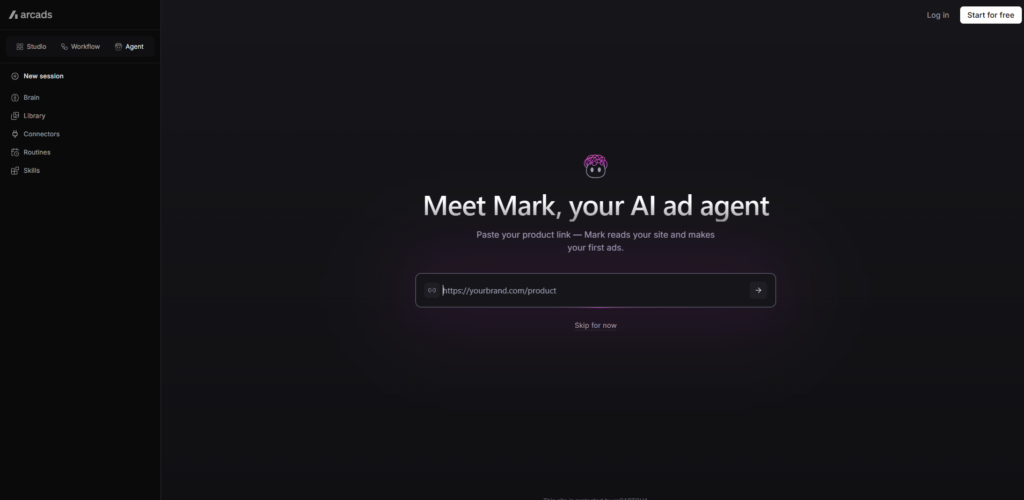
Arcads turns a script into a video of an AI actor speaking straight to camera. An AI actor is a synthetic on-screen person generated by a video model. Arcads offers more than 1,000 of them, lets you steer emotion through the script, and supports 30+ languages with lip sync.
What it does well: It gives you a lot of believable faces for very little setup. You can preview an actor’s voice for free before spending a credit, and you can generate several actor variations in one run. If your plan is to test five hooks (the opening two or three seconds of an ad) with five different presenters, this is where I’d start.
Where it falls short: Edits aren’t made in place. Change one line and you regenerate the whole clip, which costs another credit. The output is a talking-head video, not a finished ad, so you’ll need a separate editor for B-roll (supporting footage), captions and cuts. Reviewers also see it as a weaker fit for physical products, and eesel’s 2026 breakdown cites a 2.8 out of 5 Trustpilot score across 142 reviews.
Best for: Performance marketers who already know their hooks and need faces fast.
Pricing (as of 2026): There’s no free plan and no public pricing page. Per eesel’s 2026 breakdown, Starter is $110 a month for 10 videos, Creator is $220 for 20, and Pro is custom. That works out to roughly $11 a video. But test four hook variations to land one keeper and you’ve spent about $44.
Read More: 10 Best AI Graphic Design Tools to Transform Your Creativity in 2026
Creatify: Best for Turning Product URLs Into Ad Batches
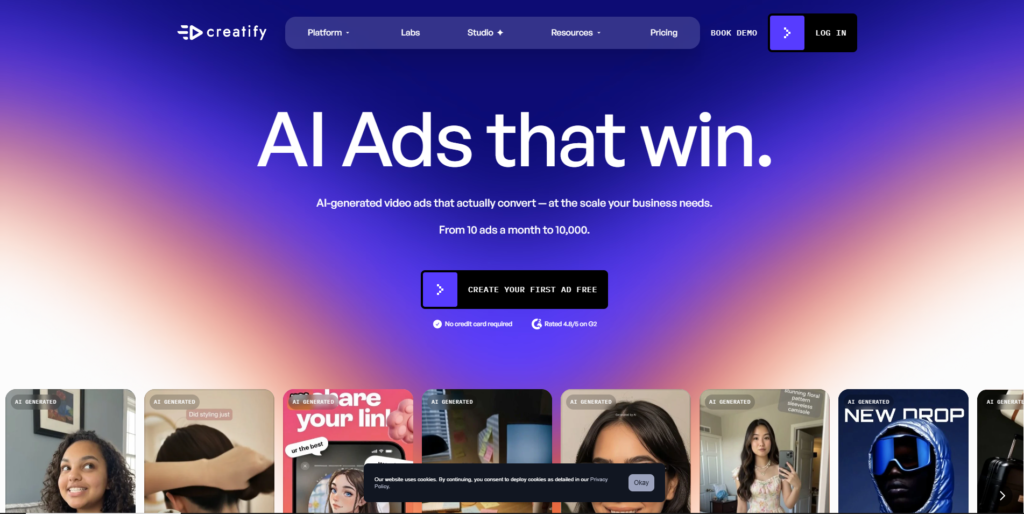
Paste a product link into Creatify and it pulls the product details, writes a script, and builds a batch of video ads with AI avatars. According to fast.io’s 2026 review, that produces five to ten variations, and standard output takes under three minutes.
The scripts follow a hook, problem, solution, call-to-action structure. Batch mode varies the avatar, script and hook so you can test them against each other. On the Pro plan you also get a competitor ad tracker and a launcher that pushes ads to Meta and TikTok.
What it does well: Speed and ease. Reviewers mention ease of use far more often than output quality, which tells you where its strength sits. For ecommerce and dropshipping (selling products you never hold in stock), it’s one of the fastest ways to get a first test live.
Where it falls short: Scripts can sound alike across products, so plan to edit for brand voice. Fast.io estimates 40 to 60 percent of outputs need editing or get discarded, and edits, avatar swaps and re-renders all spend extra credits. Technical or B2B products tend to produce weak scripts. Worth knowing too: Creatify publishes several of the roundups that rank these tools, so read its comparisons with that in mind.
Best for: Ecommerce brands and app teams running high-volume paid social tests.
Pricing (as of 2026): Free gives you 10 credits with watermarked exports. Starter is $39 a month (about $33 billed annually) for 100 credits, and Pro is $99 for 300 credits, 1,500 AI actors and three custom avatars. Enterprise is custom. Fast.io puts Pro at roughly $1.65 per 30-second ad, but that assumes few re-renders.
Read More: AI Video Editing Tools: Features, Benefits, and Best Platforms in 2026
HeyGen: Best for Multilingual Presenter Ads
HeyGen isn’t built only for ads. It’s a broad avatar-video platform, and that’s exactly why it suits one particular job: running the same offer in many markets. Its Video Translate feature dubs existing footage into 175+ languages while keeping the speaker’s voice and syncing the lips, per a 2026 comparison of its plans.
You can also make a Photo Avatar (a talking presenter built from a single photo) or an Instant Avatar (a digital twin built from a short video sample) of yourself or your founder.
What it does well: Localisation. Launching a campaign in Spanish, German and Hindi from one master video is genuinely cheaper here than hiring three sets of creators.
Where it falls short: The polished avatars can read as corporate rather than handheld, which works against the UGC feel. There are no ad-specific tools such as ad templates, competitor tracking or direct launch, and HeyGen’s pricing page doesn’t say how many credits one avatar video uses, so budgeting is guesswork. Emotional delivery is also a known weak spot.
Best for: Brands selling across countries, and founders who want their own face in every ad.
Pricing (as of 2026): Per HeyGen’s pricing page, Free is $0 for 3 videos a month at up to one minute each. Creator is $29 a month (about $24 billed annually) with 600 credits and 1080p export. Pro is $49 with 1,000 credits and 4K. Business is $149 plus $20 per extra seat.
Read More: 15 Best AI Animation Generator Tools to Create Stunning Videos in Minutes
MakeUGC: Best for Low-Cost Testing Across Video Models
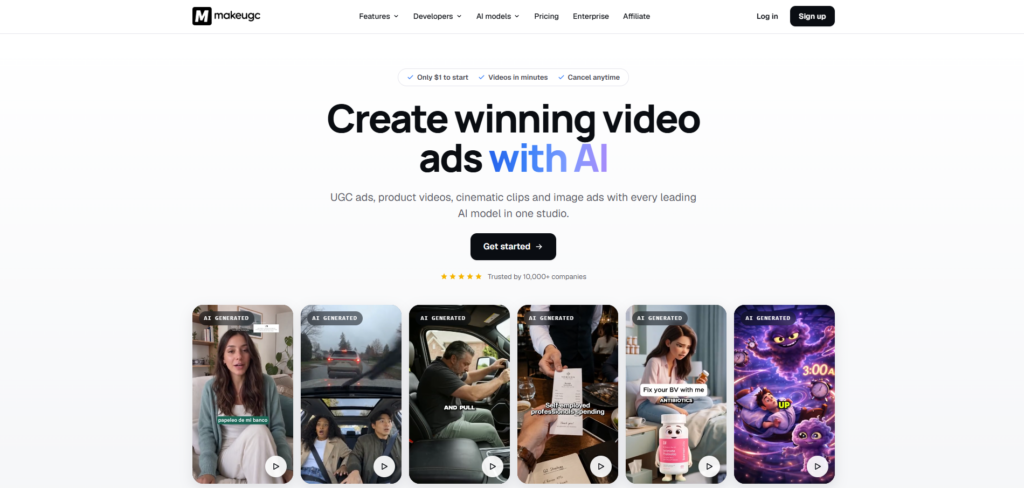
MakeUGC leans into volume. According to its own pricing page, it offers up to 1,000+ AI actors, product-in-hand videos, 50+ languages and a batch mode that creates 10 variations at once. It also runs several video models under one roof, including Veo 3.1, Kling 4.0 and Seedance 2.5, so you can try a different look without changing tools.
An API and an MCP server are included on every plan. MCP (Model Context Protocol) is a standard that lets AI assistants call outside tools, which matters if you want to automate ad production.
What it does well: Entry price and flexibility. Almost nobody else lets you try a paid plan for $1, and the model choice means you’re not locked into one visual style.
Where it falls short: Credits are a single shared balance across all models, so premium models drain them faster. Starter allows one generation at a time and caps exports at 720p, which is too low for some placements. And remember that these feature claims come from MakeUGC itself, not an independent test.
Best for: Small direct-to-consumer brands that want to test cheaply before scaling.
Pricing (as of 2026, billed yearly): Starter is $29 a month for 500 credits and 300+ actors. Growth is $39 for 1,000 credits, HD to 4K and one custom avatar. Pro is $79 for 2,000 to 5,000 credits and three custom avatars.
Captions: Best for Phone-First Creator Edits
Captions started as a video-editing app for creators and grew into an AI video platform. Its AI Ads workflow uses Mirage avatars, per Morphic’s 2026 roundup, to build presenter-style spots, and Mirage is now the parent company’s name.
Honestly, its best feature isn’t the avatars. It’s the automatic captions and the chat-based editor, which make a rough clip look finished in minutes. If most of your content is shot or edited on a phone, that matters.
What it does well: Polish and speed on mobile. The Max plan includes digital twins or custom AI actors, a chat-based editor, and batch clip creation from long videos, so one webinar can become a week of ads.
Where it falls short: Ad-specific controls are lighter than dedicated performance tools, and there’s no competitor tracking or analytics loop. Captions’ pricing page also doesn’t make clear which plans include AI Ads versus AI Creator, so check before you subscribe.
Best for: Solo founders and creators who edit on their phone.
Pricing (as of 2026): Per the App Store prices on its pricing page, Max is $24.99 a month for 500 credits and Frontier is $69.99 for 1,400. Unused credits roll over up to three times your monthly allowance. A free plan exists with limited AI usage.
Read More: 10 Best AI Video Ads Generator Tools for Better Campaigns
TopView: Best for Ads Built Around Your Actual Product
Most avatar tools put a presenter on screen and hope your product shows up. TopView flips that. Its Product Avatar keeps your item in the frame, and it accepts your own photo as the avatar, according to TopView’s pricing page.
It also offers a URL-to-video route, 5,000+ public avatars on every plan, Avatar 4 clips up to 180 seconds, and voice cloning. A voice clone is a synthetic copy of a voice built from a short audio sample.
What it does well: Product visibility. For anything physical, where the viewer has to see what they’re buying, this is more useful than another talking head.
Where it falls short: Morphic’s roundup notes the auto-edits can feel template-driven. The entry plan is also credit-light, and the discounted prices shown against higher “list” prices may be promotional, so don’t assume they’ll last.
Best for: Ecommerce sellers with physical products and good product photos.
Pricing (as of 2026, billed annually): Plus is $36 a month for 100 credits a month and four concurrent tasks. Business is $44 a month with 3,000 credits a year delivered upfront. Ultra is $50 for 500 credits a month, and Team is $56 per seat.
Higgsfield: Best for Cinematic Product Video With a UGC Mode
Higgsfield started as a creative video platform, and its Marketing Studio is the part that matters here. You paste a product or app URL, an agent pulls the name, description and images, and it generates a video in one of four styles: UGC, CGI commercial, cinematic narrative, or an AI-directed wild card.
What it does well: Range. If you want a UGC version and a polished product film from the same link, one tool covers both. Its UGC Builder makes avatar-led clips that resemble creator footage.
Where it falls short: Avatar variety is narrower than on dedicated platforms, and there’s no competitor tracking, direct ad launch or creative analytics. Premium models like Veo 3.1 and Kling 3.0 cost 40 to 70 credits per generation, so Starter users can run dry within days. Verify imported product claims and images before publishing, since the agent scrapes them automatically.
Best for: Creative teams who want cinematic and UGC options in one place.
Pricing (as of 2026): Free is 10 credits a day on basic models. Starter is $15 a month for 200 credits, the next tier is $34 for 1,000, and the top tier is $84 for 3,000. One caveat: these figures come from a competitor’s pricing roundup, so check Higgsfield’s own page.
Pippit: Best for CapCut Users Who Want Editing Control
Pippit is ByteDance’s marketing tool, and ByteDance is TikTok’s parent company. It generates UGC-style avatar ads with voiceover, then passes them to a CapCut-style editor, so you aren’t stuck with whatever the generator gives you.
Its feature list covers digital avatars, custom avatars, prompt-to-avatar, custom voices, AI dubbing and a dedicated AI UGC mode.
What it does well: Generation and editing in one flow. If you already cut videos in CapCut, the interface feels familiar, and there’s a free tier with daily credits and no card required.
Where it falls short: Its avatar roster trails dedicated actor libraries, per Morphic’s roundup, and it covers so many other features that UGC isn’t its sole focus. Pricing is the other problem. At the time of writing, its monthly and annual figures didn’t line up cleanly, so I’m not quoting them here.
Best for: Marketers already living in the CapCut and TikTok workflow.
Pricing (as of 2026): Free daily credits, then paid tiers by credit volume. Confirm current plan prices on Pippit’s pricing page before you commit.
TikTok Symphony Creative Studio: Best Free Option for TikTok Ads
Start here if TikTok is where you spend. Symphony Creative Studio is TikTok’s own generator, and per TikTok for Business it’s free for logged-in advertisers. It builds avatar-narrated videos from a script, drafts TikTok-style scripts, translates and dubs voiceovers with optional voice cloning and lip sync, and refreshes existing ads with new hooks or music.
You choose a Symphony Digital Avatar by age, nationality, language and gesture, enter your script, pick a voice, and adjust position and style.
What it does well: It costs nothing, and it lives next to the platform where the ad will run. Content that meets TikTok’s AI disclosure rules is labeled “AI-generated” automatically, which removes one compliance chore.
Where it falls short: It only serves TikTok. Nothing it makes is built for Meta or YouTube, and output still has to pass TikTok’s ad policies. The avatar range is narrower than paid libraries.
Best for: Anyone testing UGC-style ads on TikTok before paying for anything.
Pricing (as of 2026): Free for TikTok for Business users.
Magic Hour: Best for Seeing Settings Before You Spend Credits
Magic Hour builds presenter-style ads from four inputs: an actor (chosen or uploaded), an optional product image, a spoken script, and an action prompt that describes what the actor does. Its editor shows the compatible model, duration, aspect ratio, resolution and a credit estimate before you generate anything.
That last part is rare, and it’s the reason to consider it. Surprise credit bills are the most common complaint across this whole category.
What it does well: Predictability. You see what a clip will cost and what it will look like in settings terms before committing.
Where it falls short: Duration and resolution depend on the model you pick, and uploaded script audio only works on supported model paths. The only detailed write-up of its UGC workflow comes from Magic Hour’s own blog, and that article doesn’t report a controlled output test, so treat its claims as vendor claims.
Best for: Marketers who hate credit surprises and want one place for several video tools.
Pricing (as of 2026): Not stated in the source reviewed. Check Magic Hour’s live pricing page.
Quick Comparison: Which Tool Fits Which Team?
If you run TikTok ads on a small budget, start with Symphony Creative Studio. If you need volume and realism, look at Arcads or MakeUGC. If you sell in many countries, HeyGen is the better fit. For everything else, the table below narrows it down.
| Tool | Best for | Entry price (as of Oct 2026) | Free option |
|---|---|---|---|
| Arcads | Realistic actors | $110/month for 10 videos | No |
| Creatify | URL-to-ad batches | $39/month | Yes, watermarked |
| HeyGen | Multilingual ads | $29/month ($24 annual) | Yes |
| MakeUGC | Low-cost testing | $29/month, billed yearly | $1 trial |
| Captions | Mobile editing | $24.99/month (App Store) | Limited |
| TopView | Physical products | $36/month, billed annually | Check site |
| Higgsfield | Cinematic plus UGC | $15/month | Yes, 10 credits/day |
| Pippit | CapCut users | Check site | Yes, daily credits |
| Symphony | TikTok ads | Free | Yes |
| Magic Hour | Cost visibility | Check site | Check site |
Here’s my practical advice. Whichever AI UGC Ad Generator you try first, judge it on cost per usable ad, not the sticker price. Run the same script and the same three hooks through two tools, count the clips you’d genuinely publish, and divide.
For TikTok-only advertisers, Symphony Creative Studio is the lowest-risk place to start because it’s free. For volume testing, Arcads and MakeUGC offer the deepest actor libraries. For multilingual campaigns, HeyGen’s translation features give it the edge, and no tool here is a full replacement for human editing.
How Do You Make These Ads Convert Once You’ve Picked a Tool?
The tool gets you a video. The script, the hook and the editing decide whether anyone watches past the third second. Follow this order.
- Write the hook first. Draft five opening lines before you open any tool. A hook is the first two or three seconds, and it does most of the work. [INTERNAL LINK: writing better prompts for ad scripts → prompt engineering guide]
- Pick the presenter for your buyer. Choose an actor who looks like your customer, not the most polished face in the library.
- Generate three to five variations of one script. Change the hook and the actor, not everything at once, so you know what moved the result.
- Edit for feel. Add captions, cut dead air and layer in real product B-roll. Plain, slightly imperfect clips tend to read as more human than glossy ones.
- Check claims, disclosures and rights before launch. Don’t write scripts where an AI actor says “I’ve used this for three months.” That’s a fabricated testimonial, and the FTC’s 2024 rule on fake reviews and testimonials targets exactly that. Write the presenter as the brand speaking, and check each platform’s AI labeling rules.
AI UGC ads convert when the hook, the presenter and the editing are chosen deliberately, not when the tool does everything on autopilot. Test three to five hook variations per script, edit for a human feel, and never script an AI actor as a real customer with a personal experience, because fake testimonials can breach advertising rules.
Conclusion
Three things matter most. First, pick a tool on realism at your actual clip length and on how it charges for edits, not on its demo reel. Second, count cost per usable ad. A cheap plan that wastes half its credits isn’t cheap. Third, treat the AI actor as a fast way to test hooks, and keep humans in the loop for editing, claims and the final call.
Here’s your next step for this week. Pick two tools from the table, write one script with three hooks, and generate the same ads in both. Count what you’d publish, divide by what you paid, and keep the winner.
If you want to get better at the scripting and testing side of this, Hotskill has structured AI skill tracks built for working marketers. Download the app on iOS or Android at hotskill.co/download
FAQ
What is an AI UGC ad?
An AI UGC ad is a short video that imitates creator-style content, usually a person talking to camera about a product, but with a synthetic presenter generated by software. You supply a script or a product link, and the tool produces the video. It’s designed to feel native on feeds like TikTok and Instagram.
How is an AI UGC ad different from hiring a real creator?
A real creator brings genuine experience, authentic reactions and a real audience, but costs more and takes longer. An AI actor is faster and cheaper to iterate, so it suits testing many hooks. Many brands use AI for testing and real creators for the winning concepts.
How do I make my first AI UGC ad?
Write a short script with a strong hook, choose a tool, pick an actor who resembles your buyer, and generate three variations. Then add captions and product footage in an editor. Start with one product and one platform so you can compare results cleanly.
Is an AI UGC tool worth it for a small ecommerce store?
Usually yes, if you’re testing creative regularly and your alternative is a $100-plus creator fee per video. Start on a free or low-cost tier, such as Symphony Creative Studio or a $15 to $30 plan, and measure cost per usable ad. If you only need two or three videos a year, hiring a creator may be simpler.
Do I really need a paid tool if I already use CapCut or Canva?
Editors like CapCut polish footage, but they don’t generate a presenter for you. If you already have real footage, you may not need an avatar tool at all. Pippit is the bridge here, since it generates avatar ads and hands them to a CapCut-style editor.
Why do my AI UGC ads look fake?
Usually it’s one of four things: a script that sounds written rather than spoken, a long clip where lip sync drifts, glossy skin and perfect framing, or no supporting footage. Shorten the script, keep clips tight, add real product B-roll, and use captions. Reviews of several tools flag realism dropping on longer videos.
Do I need editing or coding skills to use these tools?
No. Most tools work from a pasted script or product link and a few clicks. Basic editing skills help, because most generators output a raw clip and you’ll want to add captions and cuts. Coding is only relevant if you want to automate production through an API.
Do I have to label AI-generated ads?
It depends on the platform and the content. TikTok’s ad policy requires disclosure for fully AI-generated media or significantly altered real footage, and Symphony Creative Studio labels qualifying content automatically. Rules differ across Meta, YouTube and others and keep changing, so check each platform’s current policy before you publish.
How many ad variations should I test?
Start with three to five hooks per product, using the same script body. Test one variable at a time so you know what drove the result. Cut the losers fast, and only then spend more credits refining the winners.
Which tool should I start with on a tight budget?
If you advertise on TikTok, Symphony Creative Studio is free. Otherwise, the cheapest paid entry points in this list are Higgsfield Starter at $15 a month, Captions Max at $24.99, and MakeUGC Starter at $29 when billed yearly. Compare cost per usable ad, not the monthly fee.